
Reverse Health Chair Yoga Review: Is It Good for Seniors?
I spent time using the Reverse Health Chair Yoga program after getting complimentary access. The chair yoga section caught my attention first, but the app goes much further with workouts, meal plans, recipes, tracking, daily content, and a community area.
One of the easiest fitness apps I’ve used for this audience
What stood out to me was the way the app is laid out. The main sections are easy to find, the workout cards are visual, and you can move between chair yoga, walking, fitness, meal plans, tracking, and learning without digging through a complicated menu.
What’s inside this review
My first impression of Reverse Health
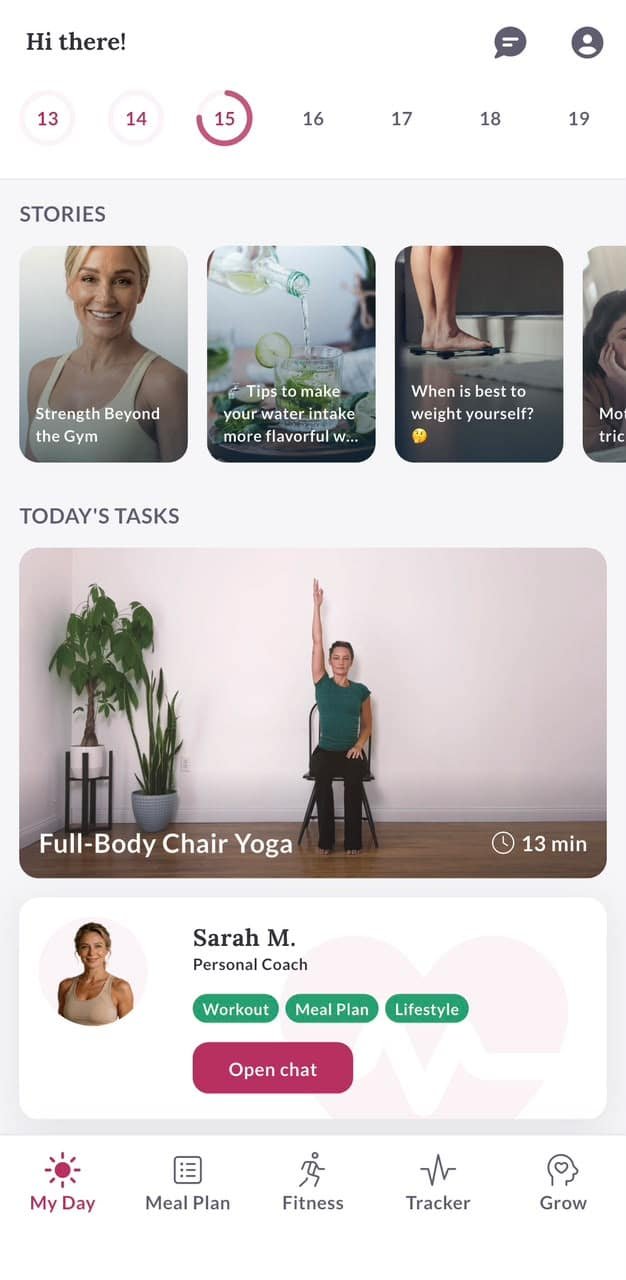
The first thing I noticed was the navigation. At the bottom, the app keeps the main areas visible: My Day, Meal Plan, Fitness, Tracker, and Grow.
That’s a small detail, but it matters when you’re using an app regularly. I don’t want to remember where a feature is hidden. I want to open the app and know where to go.
The app also uses large cards, clear labels, simple icons, and plenty of white space. For someone who isn’t comfortable with complicated fitness apps, that makes the first few minutes much easier.
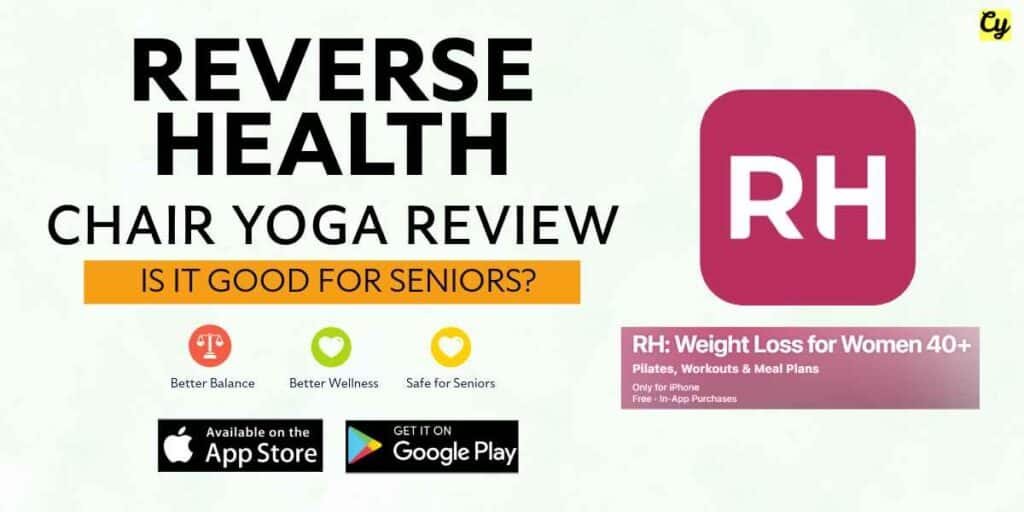
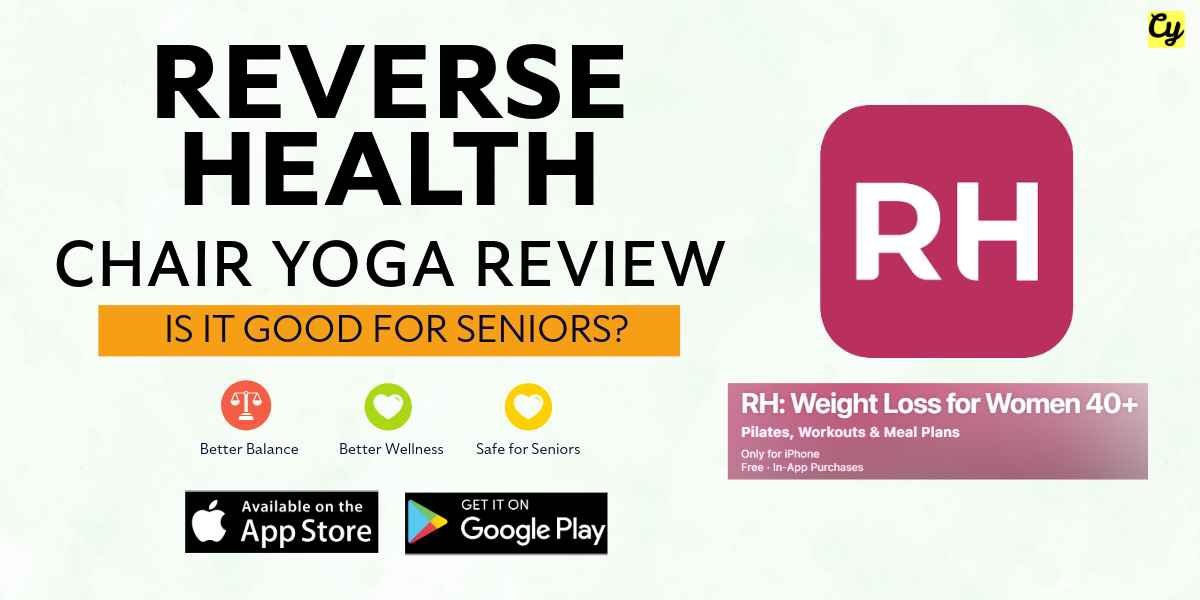
Reverse Health’s current Google Play listing describes the app as a chair yoga and weight loss app for women 40+, with low-impact workouts, progress tracking, and nutrition guidance. The listing also shows a 4.5-star rating and more than 500K downloads at the time I checked it. See the current Google Play listing – See the current Apple Store listing.
The chair yoga section is what interested me most
Since ChairYoga.blog is built around gentle movement for older adults, I paid close attention to the chair yoga part.
The Fitness section has a dedicated Chair Yoga category. The app also shows other categories such as Walking, Fitness, Asian Pilates, and Pilates, so you’re not locked into one type of movement.
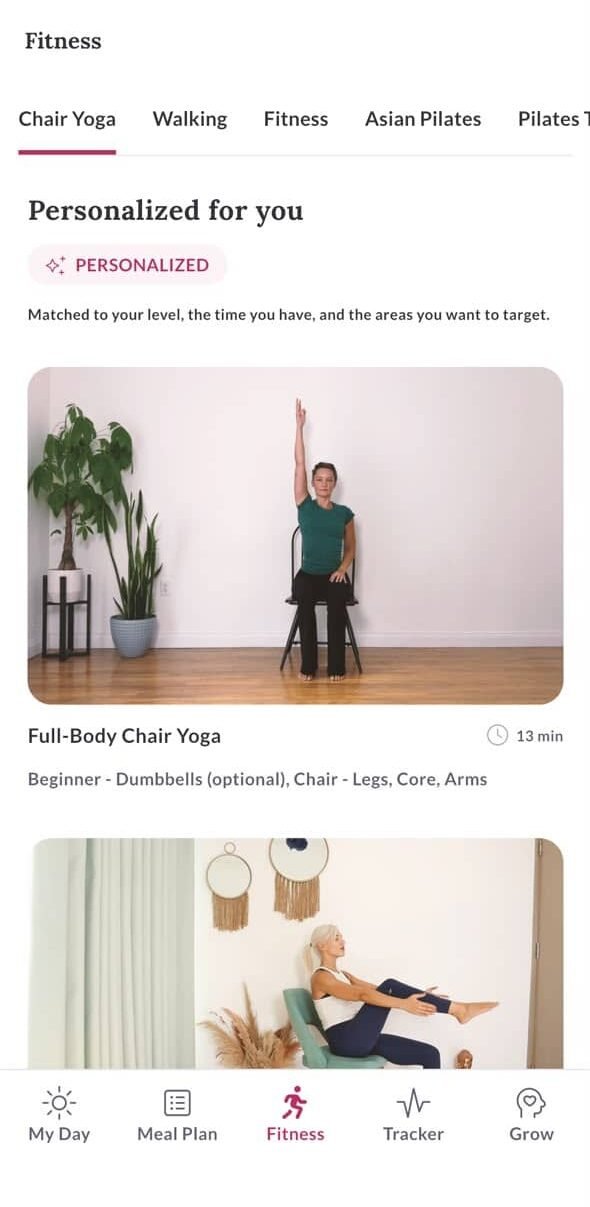
The workout cards are easy to scan. You can see the workout name, approximate length, level, equipment, and the areas being worked.
For example, one of the screens I used shows a “Full-Body Chair Yoga” session with a 13-minute duration. It is marked Beginner and lists legs, core, and arms as focus areas.
That’s exactly the kind of information I want before starting a session. I can decide in a few seconds whether that workout fits my day.
Reverse Health’s own senior yoga page says its senior program includes 15 to 20 minute guided classes and chair modifications. It also describes a 28-day challenge with balance and stability tracking. See Reverse Health’s senior chair yoga program.
What I liked here
The app doesn’t make you hunt for the chair yoga workouts. The category is visible, the cards show useful details, and the workout length is easy to spot.
The personalized workout area is useful
One of the screens shows a “Personalized for you” section. It explains that the workouts are matched to your level, the time you have, and the areas you want to target.
That makes more sense to me than giving every person the same long list of exercises. A beginner who has 10 minutes available needs a different starting point from someone who already exercises regularly.
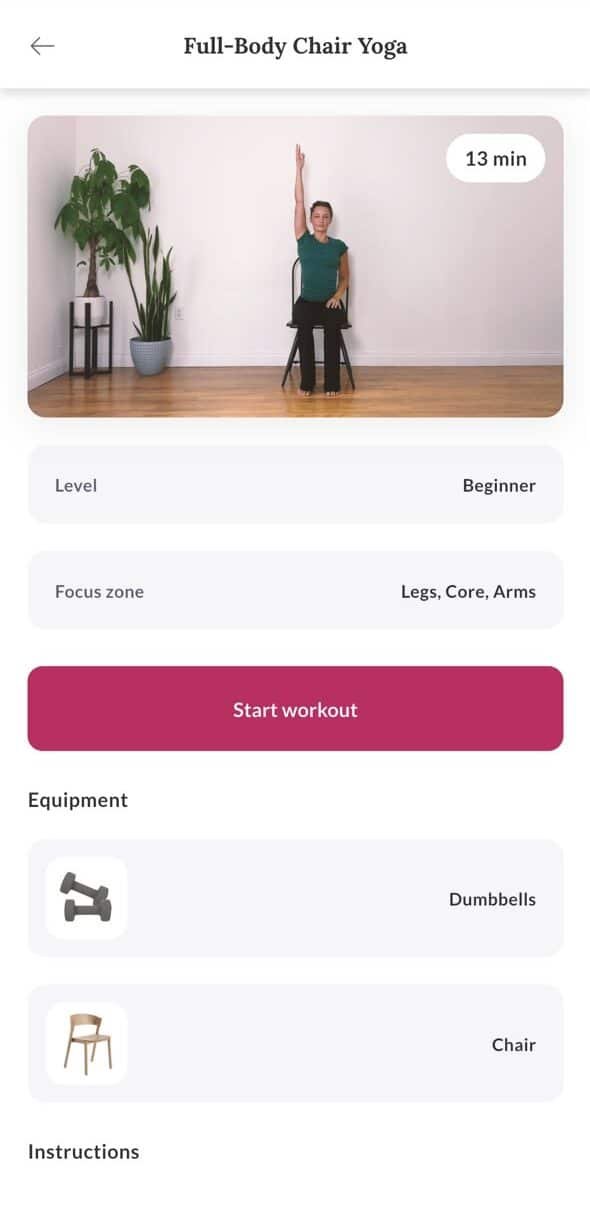
I also liked that the app tells you what equipment is needed. One workout screen shows optional dumbbells and a chair, so you know what to have ready before you press Start workout.
If you want a completely separate chair yoga routine from ChairYoga.blog, you can also use our free chair yoga routine builder. It can be useful when you want a simple routine without using an app.
Want to try Reverse Health yourself?
If the chair yoga and personalized workout features look useful for you, you can check the current plans and see whether Reverse Health fits what you’re looking for.
See Reverse Health plans →What does a Reverse Health workout look like?
The workout screens are simple. You get the name of the workout, the time, the level, the focus area, and the equipment before starting.
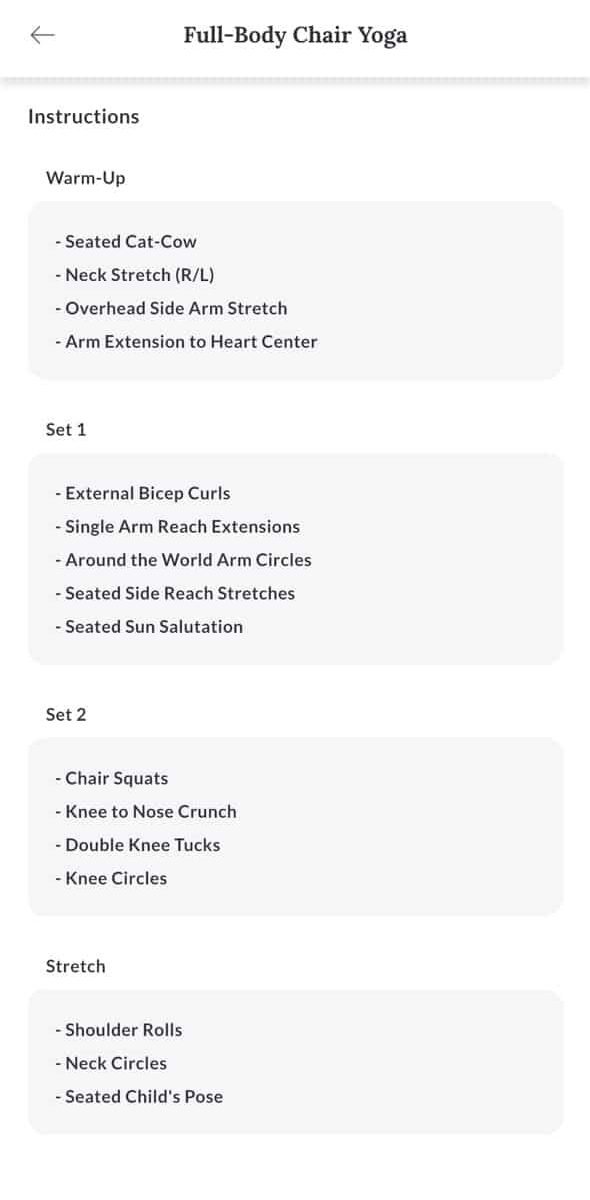
One of the workout instruction screens I captured breaks a Full-Body Chair Yoga session into sections such as warm-up, Set 1, Set 2, and stretch. The movements listed include seated cat-cow, neck stretches, overhead side arm stretches, seated side reaches, chair squats, knee movements, shoulder rolls, and seated child’s pose.
The actual video or guided workout experience is the part I’d encourage you to test for yourself. People have different preferences for coaching voice, pace, music, and exercise intensity.
I found the overall app structure easy to follow. And for a senior who wants to know “What do I do today?” rather than build a routine from scratch, that structure can be useful.
It isn’t only a chair yoga app
This surprised me a little when I started looking through the other sections.
The Meal Plan area gives you a daily plan and recipe suggestions. The screenshots I captured show recipe cards with the food image, recipe name, calories, and cooking time.
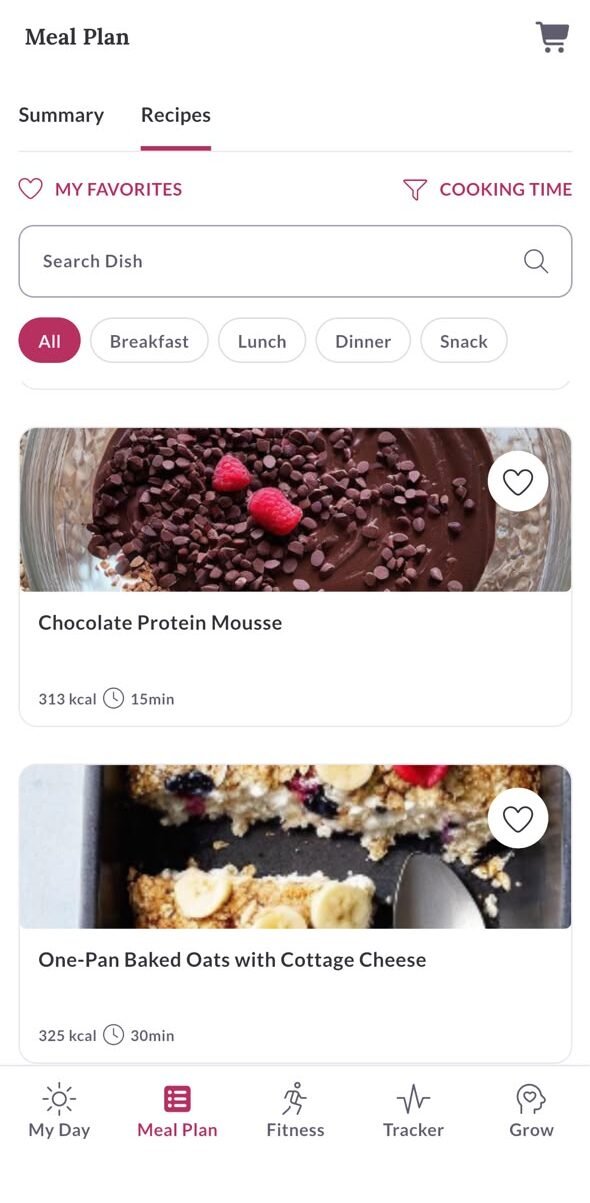
You can also move between categories such as Breakfast, Lunch, Dinner, and Snack. That makes the recipe section feel more like a practical food library than a single static meal plan.
Reverse Health’s app description also lists meal plans and nutrition guidance as part of the wider program. Visit the official Reverse Health website for the current program options.
One thing to keep in mind
Nutrition targets are personal. If you have diabetes, kidney disease, take medications affected by food intake, or have another medical condition that affects your diet, talk with a qualified healthcare professional of Reverse Health or any other before following a restrictive eating plan.
The tracking tools are better than I expected
The Tracker section gives you a place to see workout progress and weight information. The screen I captured shows workouts done, duration, weight, and a “Next exercise” button.
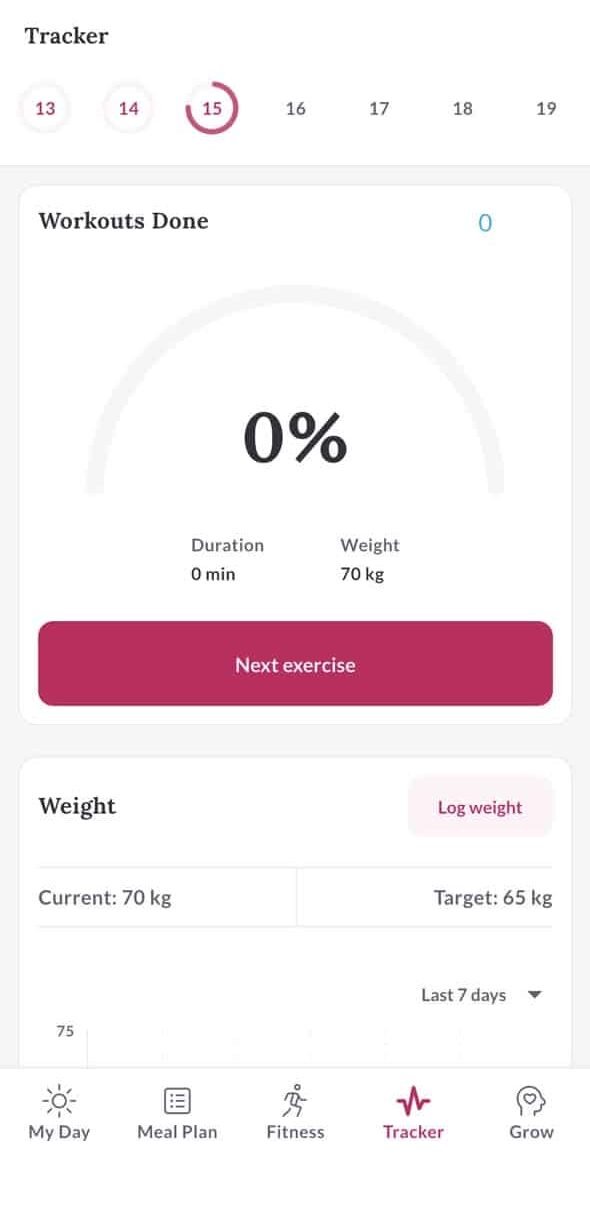
There are also daily tools for things such as water intake. The app shows a simple row of glasses and lets you add intake.
For someone who likes seeing a record of what they’ve done, this can make the app feel more useful after the first week. You aren’t opening it only to watch a workout. You can use it to keep track of the routine around the workout.
The Grow section has more than I expected
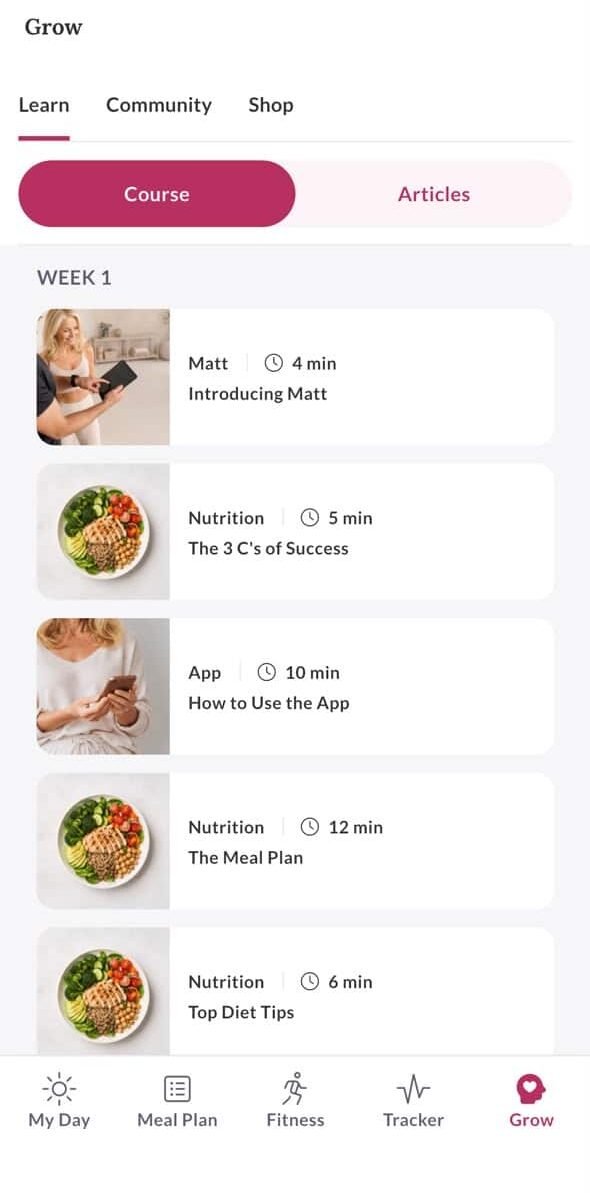
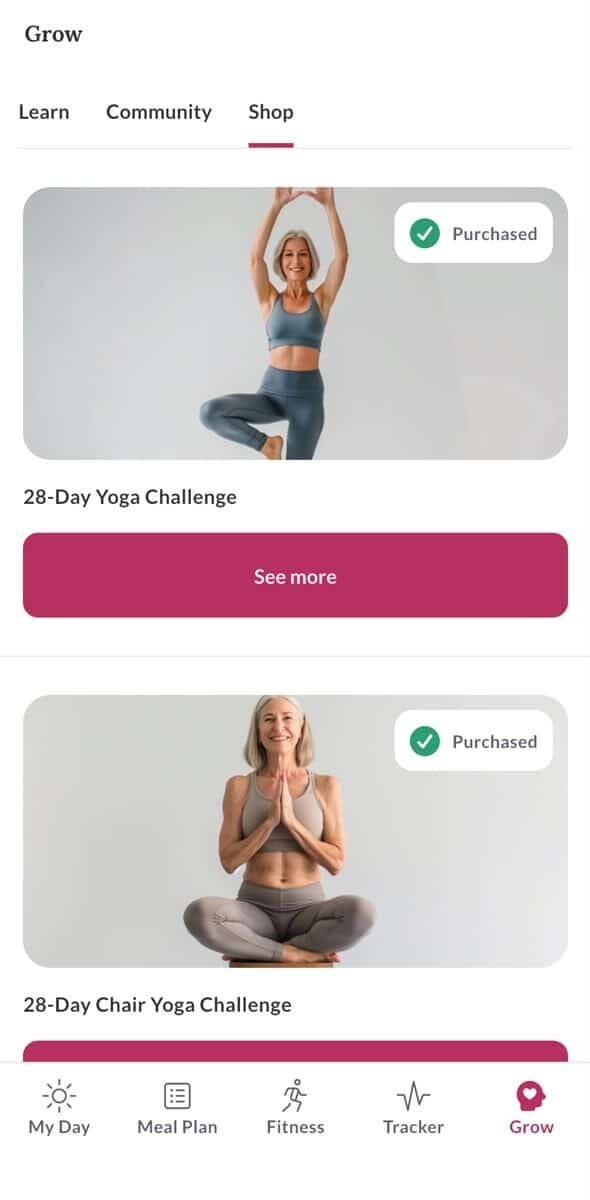
The Grow area is split into Learn, Community, and Shop.
Learn includes courses and articles. One screen I captured shows short lessons such as “Introducing Matt,” “The 3 C’s of Success,” “How to Use the App,” “The Meal Plan,” and “Top Diet Tips.”
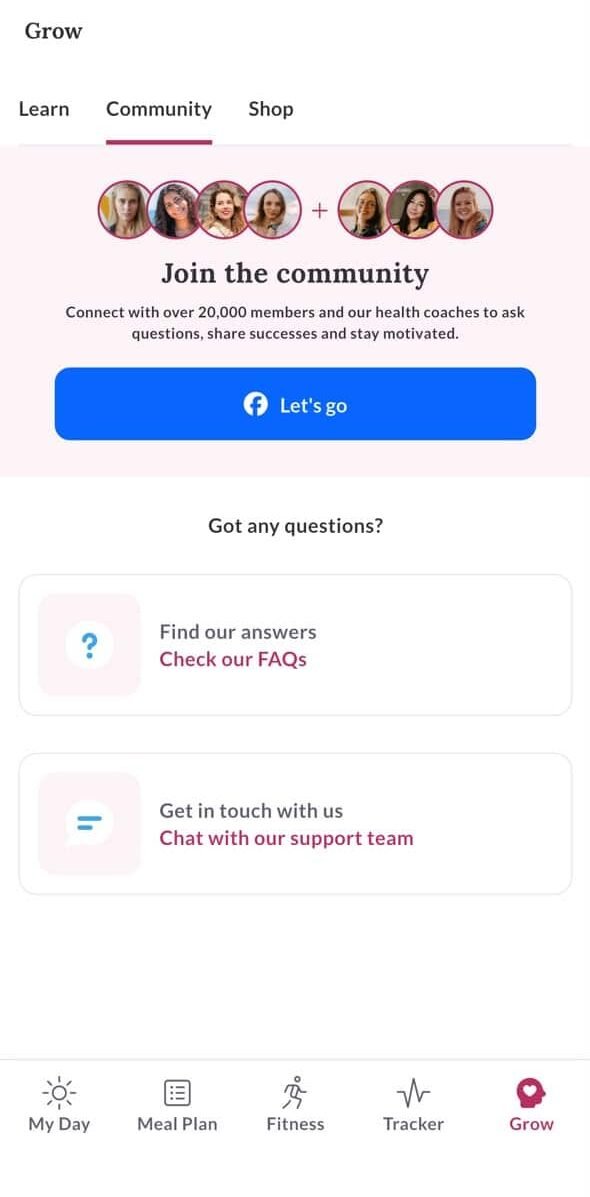
The Community screen is another part I noticed. It invites users to connect with other members and health coaches, ask questions, share successes, and stay motivated.
The Shop area contains paid programs and challenges. The screenshots show options such as a 28-Day Yoga Challenge, 28-Day Chair Yoga Challenge, Somatic Challenge, Flat Abs Challenge, and other programs.
What I liked and what I’d watch for
Easy navigation
The bottom menu keeps the major sections visible, so I didn’t have to search around for basic features.
Good visual layout
The cards use clear images, short labels, time estimates, and simple categories. It feels easy to scan.
Chair yoga is easy to find
The dedicated Chair Yoga category makes the app more useful for people specifically looking for seated workouts.
More than workouts
Meal plans, recipes, tracking, learning content, community features, and challenges give you more to use between workouts.
What I’d check before paying
The biggest thing I’d tell anyone is to check the current plan and renewal terms before subscribing. Pricing and available plans can change by country, device, promotion, or account.
I’d also spend a few minutes trying the workout style before committing to a longer plan. You need to like the instructor’s pace and the type of sessions you’re getting.
The current Google Play listing also contains user reviews mentioning occasional technical problems, including loading and audio issues. That’s worth knowing before you subscribe, even though it doesn’t match my own experience with the app. Read the latest Google Play reviews.
Is Reverse Health good for seniors?
For the right person, I think it can be.
The strongest fit is someone who wants guided, low-impact movement and also likes having food planning and progress tracking in the same app. The dedicated chair yoga material makes it more relevant to people who prefer seated exercise.
Reverse Health itself has a senior chair yoga program that describes gentle daily sessions, chair modifications, and balance and stability tracking.
The wider evidence around yoga in older adults is also encouraging, although an app’s features shouldn’t be treated as proof that every individual will get the same result. NCCIH’s yoga guidance discusses potential benefits while also recommending appropriate precautions for people with health conditions. Read NCCIH’s yoga guidance.
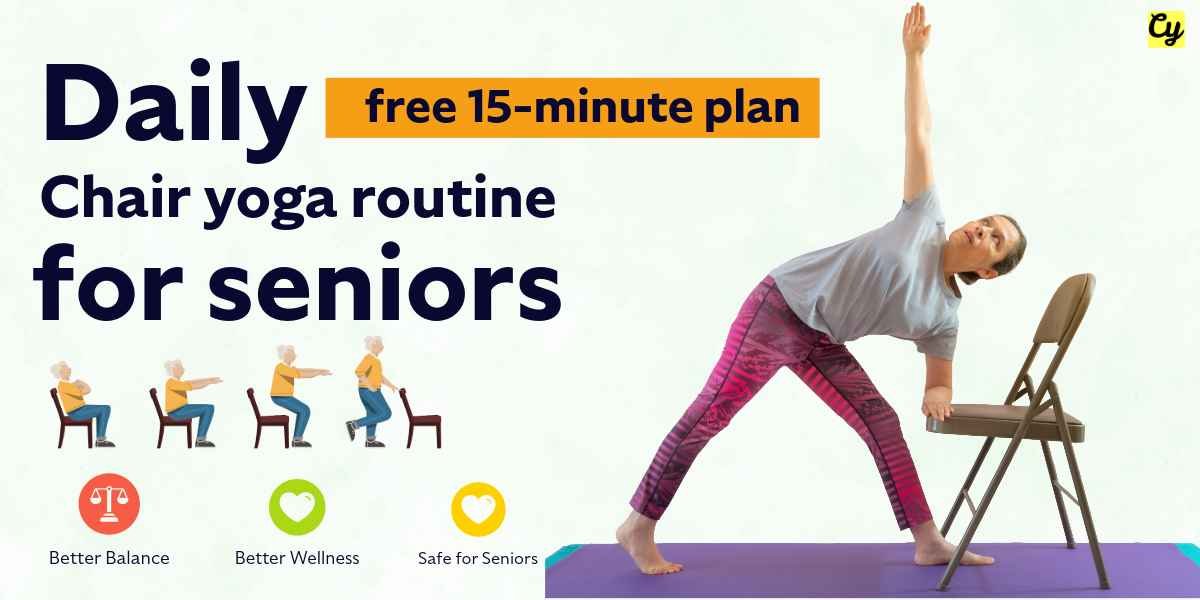
If you’re mainly looking for free chair yoga exercises, you may prefer using our chair exercises for seniors and daily chair yoga routine instead.
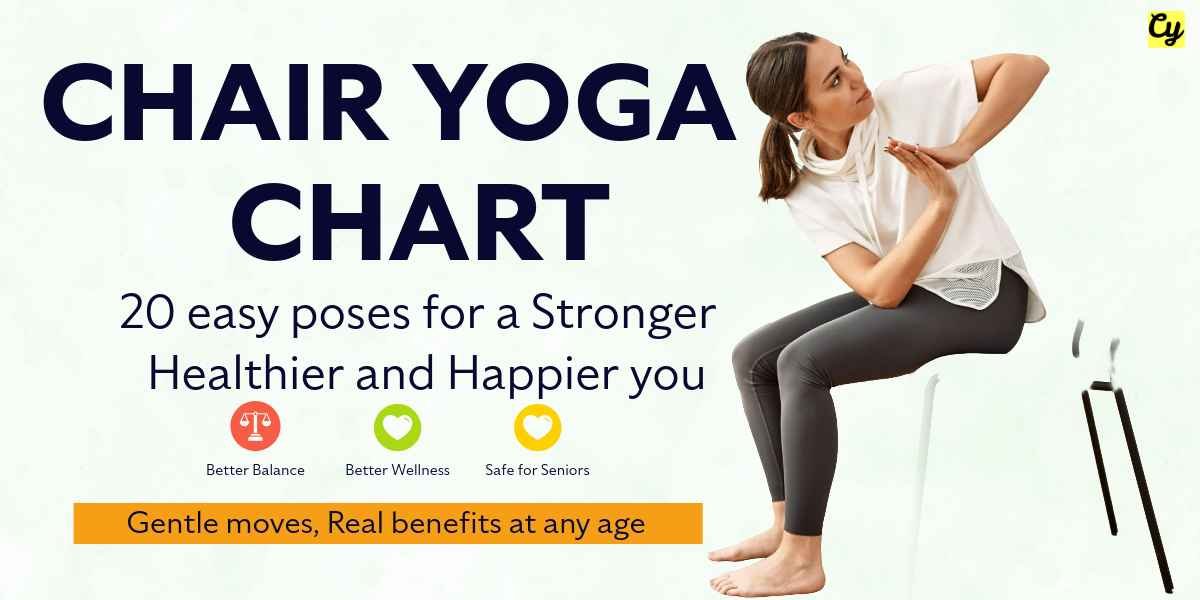
If you want a complete picture of chair yoga benefits and exercises, our chair yoga chart for seniors is another useful starting point.
My final Reverse Health review
After spending time inside the app, I can understand why I liked it so much.
The app is easy to move around. The Chair Yoga section is easy to find. Workout cards tell you what you’re getting before you start. And then you have meal plans, recipes, tracking, learning content, community, and extra programs sitting in the same place.
For a senior-friendly fitness experience, that simplicity matters to me more than having 100 complicated settings.
Would I recommend it to everyone? No. Some people only want free chair yoga videos, and paying for a larger wellness program won’t make sense for them.
But if you want guided chair yoga plus a broader wellness app, I’d put Reverse Health on the list of apps worth trying. I also like that I could see what a workout involves before starting it.
See Reverse Health for yourself
Check the current plans, see what is available in your region, and decide whether the chair yoga and wider wellness features fit your routine.
Check Reverse Health →Reverse Health chair yoga FAQ
Is Reverse Health good for chair yoga?
It can be a good option if you want guided chair yoga inside a larger wellness app. Reverse Health currently has a dedicated chair yoga program and says it includes chair modifications for its senior yoga challenge.
Is Reverse Health suitable for seniors?
The app is aimed broadly at women 40+, and Reverse Health also has a specific senior yoga program. Whether it suits you depends on your mobility, fitness level, health needs, and the type of coaching you prefer.
Does Reverse Health have chair yoga workouts?
Yes. The app has a Chair Yoga category, and Reverse Health has a separate senior chair yoga program with guided sessions and chair modifications.
Does Reverse Health include meal plans?
Yes. The app includes meal planning and recipes alongside its fitness and tracking sections. The screens I tested showed daily meal planning and individual recipe cards.
Can I track workouts in Reverse Health?
Yes. The Tracker section can show workout activity and other progress information. The exact features available can change as the app is updated.
Is Reverse Health free?
The app can be downloaded, but paid plans and in-app purchases are part of the service. Check the current price and renewal terms shown for your account before subscribing.
Does Reverse Health work on Android?
Yes. Reverse Health has an Android listing on Google Play. The current listing identifies the developer as ReverseGroup and shows the app under Health & Fitness. View it on Google Play.
Sources and further reading
Health note: This review is about my experience using the app and isn’t medical advice. Chair yoga and other exercise programs can be useful forms of movement, but your own health, mobility, medications, injuries, and medical conditions matter. Ask your healthcare professional about exercise changes when you have a health concern or recent surgery.