


Kartik Sharma
Certified Nutrition & Health Educator
Kartik Sharma specializes in chair yoga, mobility, and senior wellness. His goal is to provide safe, science-backed exercises that help adults over 60 improve balance, flexibility, and daily comfort.
Medical Disclaimer
This content is for informational purposes only and does not replace professional medical advice. Always consult a qualified healthcare provider before starting any exercise program. Stop immediately if you feel pain or discomfort.
Looking for the best laptop for seniors? Discover the easiest laptops for seniors over 60 with large screens, simple setup, and lightweight designs. Complete buying guide + comparison table. Best Laptop for Seniors Over 60 (Complete 2026 Buying Guide)
Technology should make life easier — not more confusing.
But many laptops today are:
- Overly complicated
- Too small to read
- Too heavy
- Hard on arthritic hands
- Loaded with unnecessary features
If you’re over 60, the best laptop for seniors should be:
✔ Easy to use
✔ Clear, bright screen
✔ Lightweight
✔ Simple keyboard
✔ Long battery life
✔ Reliable
✔ Affordable
This guide will help you choose the right one, without tech overwhelm.
Table of Contents
What Seniors Actually Need in a Laptop (Not What Tech Sites Recommend)
Most tech websites rank laptops based on the following:
- Gaming performance
- Graphic power
- Processor speed
But seniors typically need laptops for the following:
- Video calls (Zoom)
- Watching YouTube
- Streaming exercise videos
- Online shopping
- Banking
- Telehealth appointments
- Light photo storage

Gentle Guides Trusted by Seniors
Simple, safe & pain-free chair yoga routines designed for seniors 60+. Improve mobility, balance, and daily comfort at home.
- ✔ Easy seated movements
- ✔ No floor exercises
- ✔ Beginner-friendly routines
- ✔ Quick daily plans
That means:
- You don’t need an expensive gaming laptop.
- You need clarity and simplicity.
Key Features to Look for in the Best Laptop for Seniors
1. Large, Clear Screen (Most Important)
After 60, eyesight changes.
Look for:
- 14–15.6 inch screen
- Full HD resolution
- Anti-glare display
Avoid:
- 11-inch screens
- -brightness Low-brightness panels
Bigger screens reduce eye strain.
2. Comfortable Keyboard
Arthritis and joint stiffness matter.
Look for:
✔ Large keys
✔ Good spacing
✔ Soft keystrokes
✔ Backlit keyboard
Avoid flat, cramped keyboards.
3. Lightweight Design
Seniors should not struggle lifting laptops.
Ideal weight:
- Under 3.5 pounds
4. Simple Operating System
Windows 11 in “S mode”
or
Chromebook (very simple)
Chromebooks are extremely beginner-friendly.
5. Long Battery Life
Look for 8–12 hours of battery.
Less charging = less hassle.
6. Good Speakers & Camera
For:
- Video calls
- Online doctor visits
- Zoom yoga classes
Clear audio is critical.
7 Best Laptops for Seniors Over 60 (Affiliate Picks)
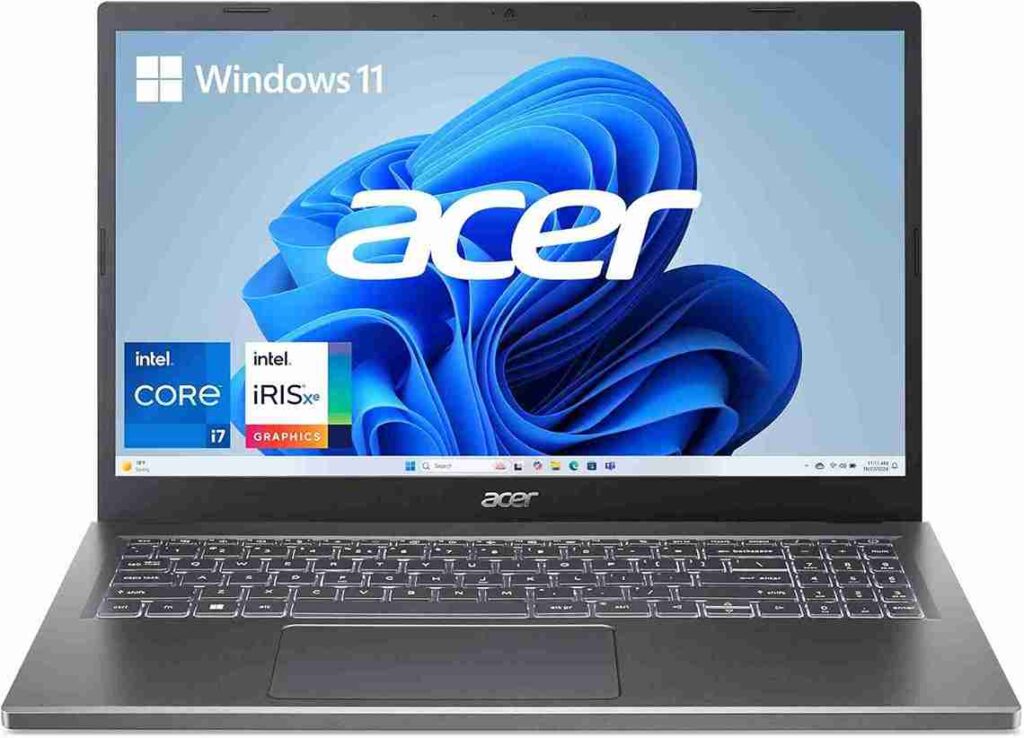
1. Acer Aspire 5 (Best Overall for Seniors)
Why it’s great:
- 15.6″ Full HD screen
- Comfortable keyboard
- Lightweight (~3.6 lbs)
- Budget-friendly
- Windows 11
Best for:
- Zoom
- Streaming exercise videos
Balanced, affordable, simple.
CHECK IT ON AMAZON
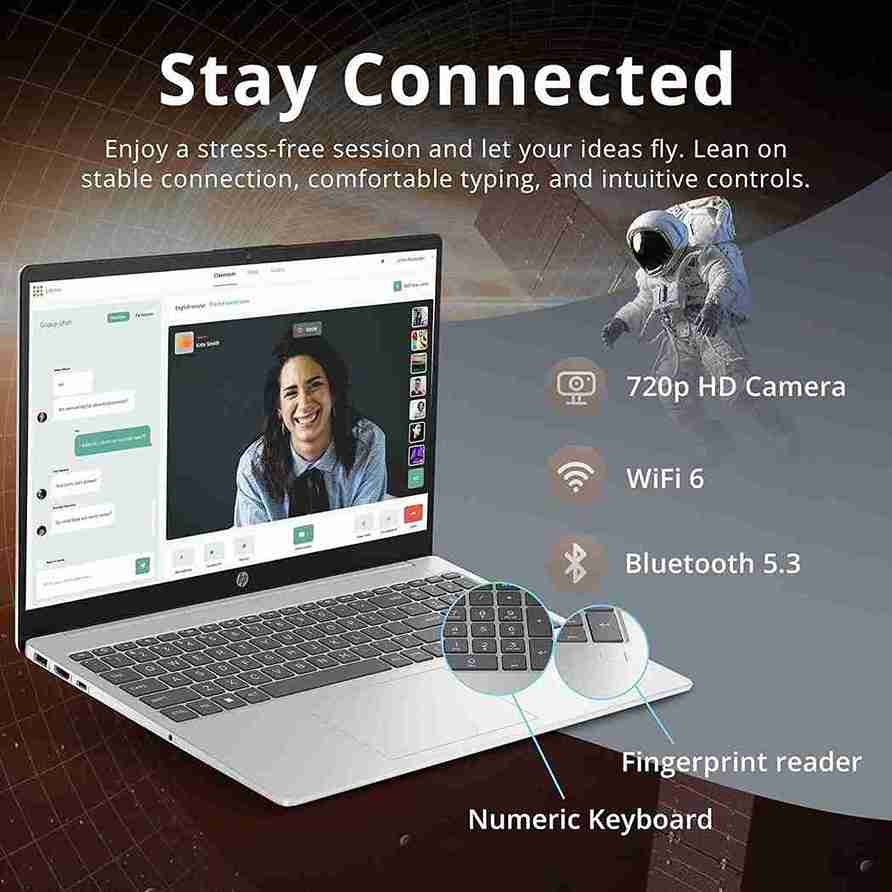
2. HP Pavilion 15
Best for Larger Screen + Comfort
Features:
- 15.6″ display
- Backlit keyboard
- Good sound
- Reliable brand
Slightly more premium feel.
CHECK IT ON AMAZON
3. Lenovo IdeaPad 3
Best Budget Laptop for Seniors
- 15.6″ screen
- Simple setup
- Affordable
Great starter option.
CHECK IT ON AMAZON

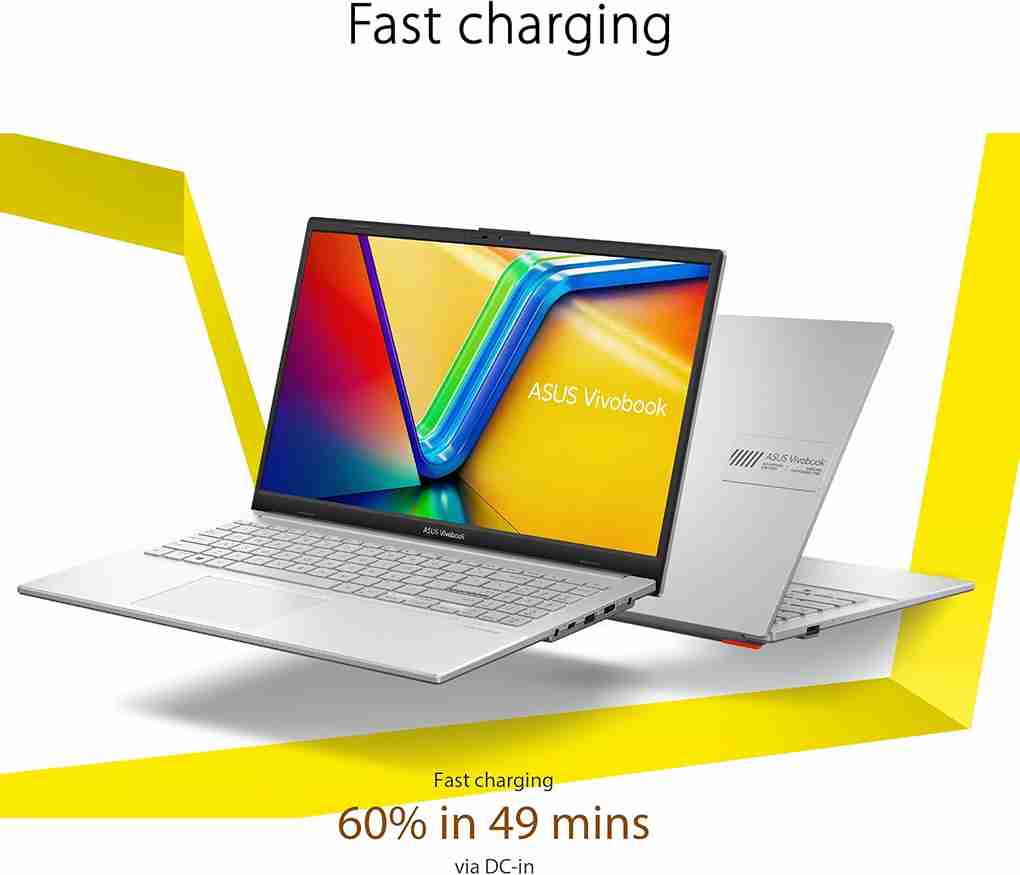
4. ASUS VivoBook 15
Lightweight + Stylish
- Thin design
- Clear display
- Comfortable keyboard
Good middle-range choice.
CHECK IT ON AMAZON
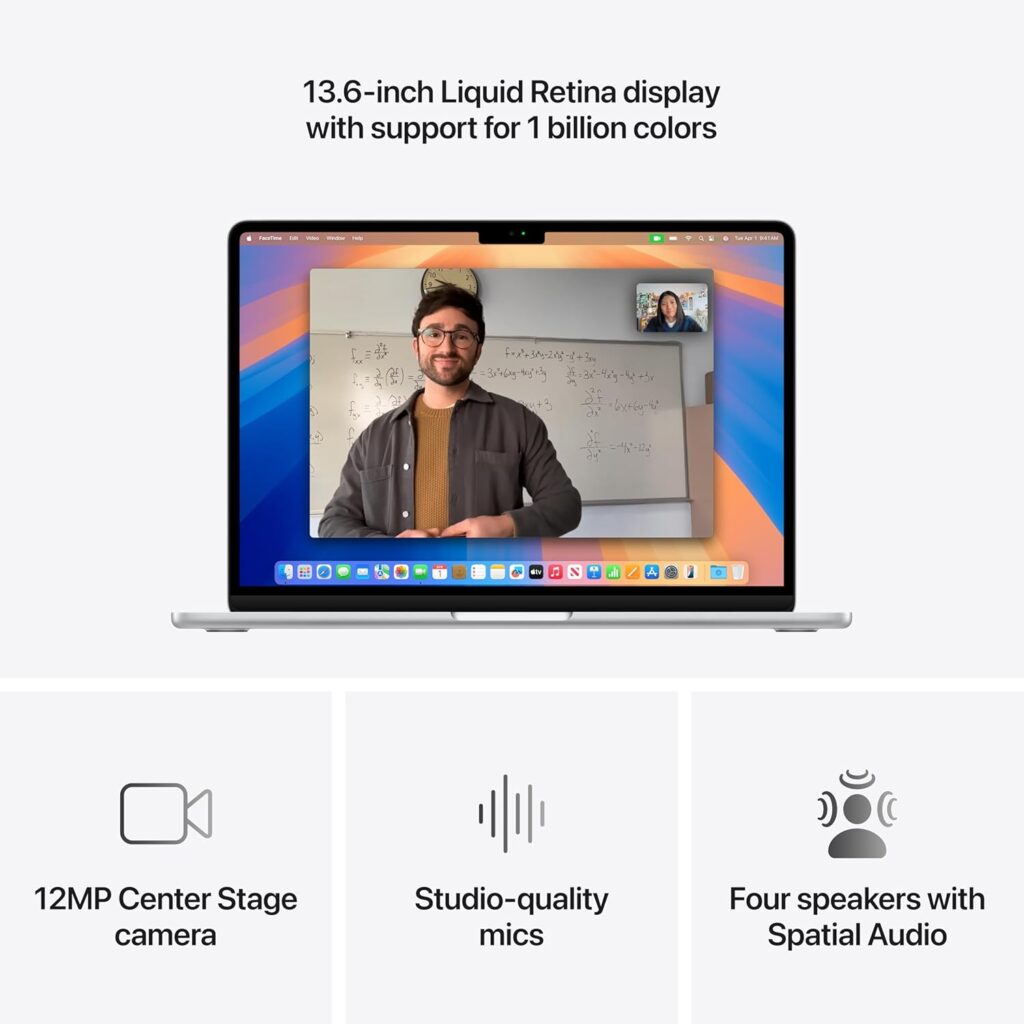
5. Apple MacBook Air (M1 or M2)
Best Premium & Simplest Interface
- Extremely lightweight
- Clear retina display
- Very smooth
- Excellent battery
Higher price but very senior-friendly interface.
CHECK IT ON AMAZON
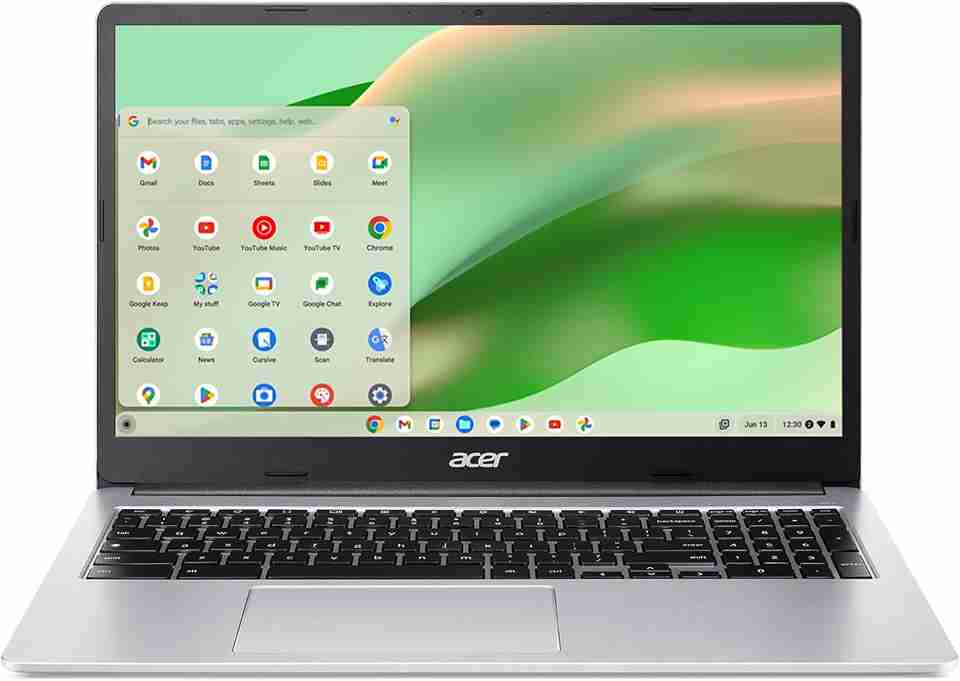
6. Acer Chromebook 315
Best Simple Laptop for Elderly Beginners
- Very easy setup
- Virus-resistant
- Large screen
- Budget-friendly
Perfect for:
- YouTube
- Zoom
CHECK IT ON AMAZON
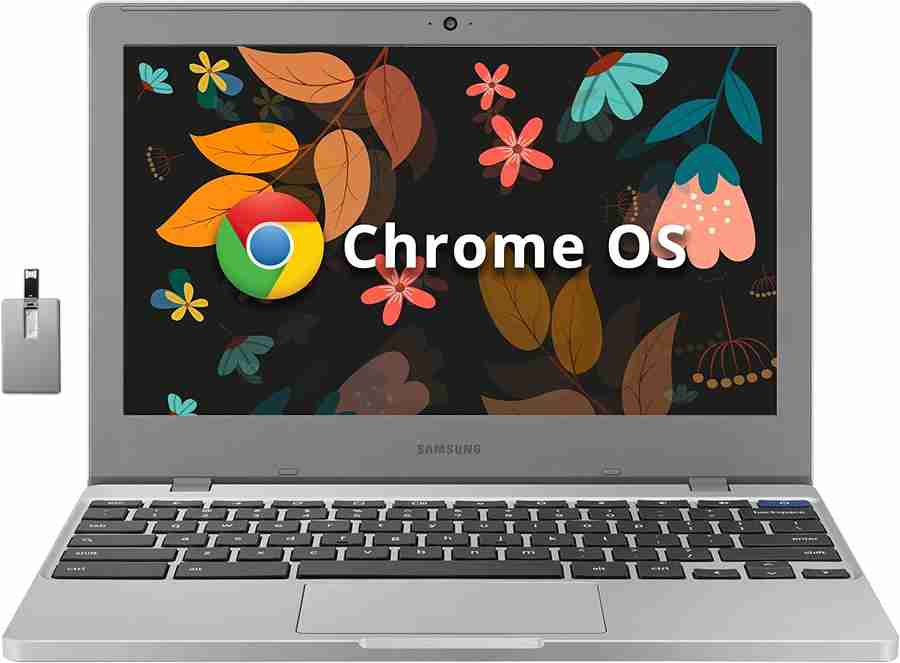
7. Samsung Galaxy Chromebook 4
Simple + Lightweight
- Chrome OS
- Easy navigation
- Affordable
Good for seniors who dislike complex systems.
CHECK IT ON AMAZON
Comparison Table – Best Laptop for Seniors
| Rank | Laptop | Screen Size | LINKS | Best For | Ease of Use |
|---|---|---|---|---|---|
| 1 | Acer Aspire 5 | 15.6″ | DIRECT LINK | All-purpose | ⭐⭐⭐⭐ |
| 2 | HP Pavilion 15 | 15.6″ | DIRECT LINK | Comfort | ⭐⭐⭐⭐ |
| 3 | Lenovo IdeaPad 3 | 15.6″ | DIRECT LINK | Budget | ⭐⭐⭐ |
| 4 | ASUS VivoBook | 15.6″ | DIRECT LINK | Lightweight | ⭐⭐⭐⭐ |
| 5 | MacBook Air | 13–15″ | DIRECT LINK | Premium | ⭐⭐⭐⭐⭐ |
| 6 | Acer Chromebook 315 | 15.6″ | DIRECT LINK | Beginners | ⭐⭐⭐⭐⭐ |
| 7 | Samsung Chromebook 4 | 15.6″ | DIRECT LINK | Simple use | ⭐⭐⭐⭐ |
Best Laptop for Seniors with Arthritis
Look for:
- Soft-touch keyboard
- Larger key spacing
- Lightweight
- Touchscreen (optional)
Chromebooks are easier for arthritic hands.
Best Laptop for Seniors with Poor Eyesight
Choose:
✔ 15.6″ screen
✔ High brightness
✔ Adjustable text size
✔ Matte screen
Windows and Mac allow large font settings.
Windows vs Chromebook vs Mac for Seniors
| Feature | Windows | Chromebook | Mac |
|---|---|---|---|
| Ease | Moderate | Very Easy | Easy |
| Virus Risk | Medium | Very Low | Low |
| Cost | Mid-range | Low | High |
| Best For | General use | Beginners | Premium users |
For most seniors:
Chromebook = easiest.
Essential Accessories for Seniors
These increase comfort significantly.
| Accessory | Why It Helps Seniors |
|---|---|
| Wireless Mouse | Easier than trackpad |
| Large-Print Keyboard | Easier reading |
| Laptop Stand | Improves posture |
| Blue Light Glasses | Reduces eye strain |
| External Speakers | Clearer audio |
| Adjustable Desk Lamp | Reduces glare |
Safety & Comfort Tips for Seniors Using Laptops
✔ Sit upright
✔ Screen at eye level
✔ Use supportive chair
✔ Take breaks every 30 minutes
✔ Avoid slouching
This ties into your mobility content.
Combine Tech Use With Healthy Posture
Long screen time can cause:
- Neck pain
- Shoulder stiffness
- Back strain
That’s why seniors should combine computer use with:
- Gentle chair yoga
- Neck mobility exercises
- Shoulder rolls
For a structured mobility plan:
Gentle Yoga & Mobility Guide for Stiff Joints, Balance & Daily Comfort
Helps offset screen-related stiffness.
Final Recommendation
For most seniors over 60:
Best balance of price + usability:
👉 Acer Aspire 5
or
👉 Acer Chromebook 315 (if simplicity matters most)
Avoid:
- Tiny screens
- Ultra-cheap unknown brands
- Heavy gaming laptops
Choose comfort and clarity over performance hype.
FAQs for best laptop for seniors
What is the easiest laptop for seniors?
Chromebooks are typically easiest due to simple interface.
What screen size is best for seniors?
15.6 inches is ideal for visibility.
Is a touchscreen laptop good for seniors?
It can be helpful but is not necessary.
How much should seniors spend on a laptop?
$400–$700 is sufficient for most needs.
Are Chromebooks good for elderly users?
Yes, especially for email and browsing.